
Source visibility helps you see where an answer came from and return to the original material.
Source transparency
Plato pulls information from the teaching materials in your VLE, such as Canvas or Blackboard. This can include files, pages and other published module content that students can already access.
Because Plato only uses published content, the sources it refers to should match the same materials visible in the module.
Viewing sources
After receiving an answer, you can use the source references to revisit the relevant material and study it in more detail.
Plato can show sources in a few different ways:
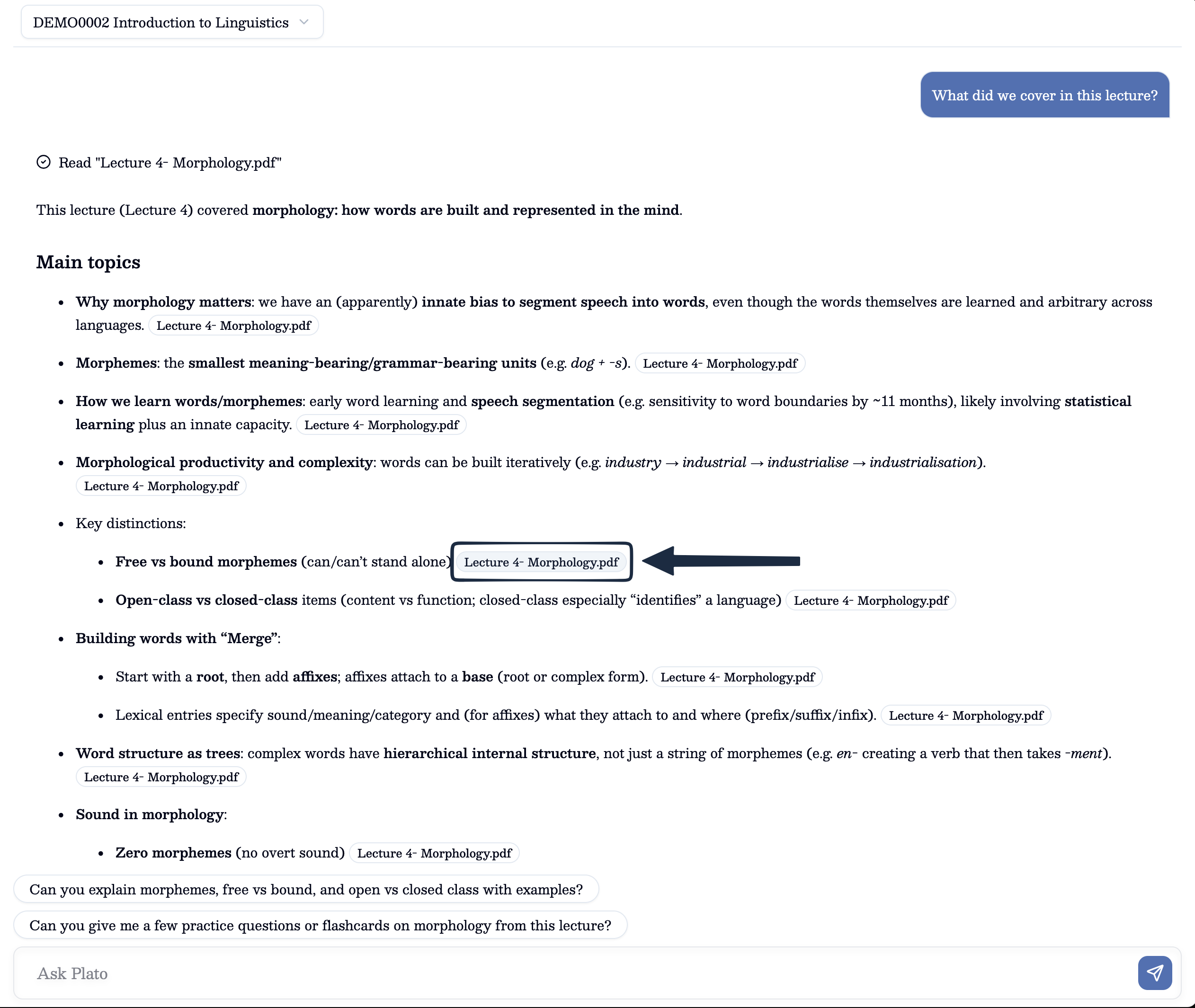
- inline source references inside the answer
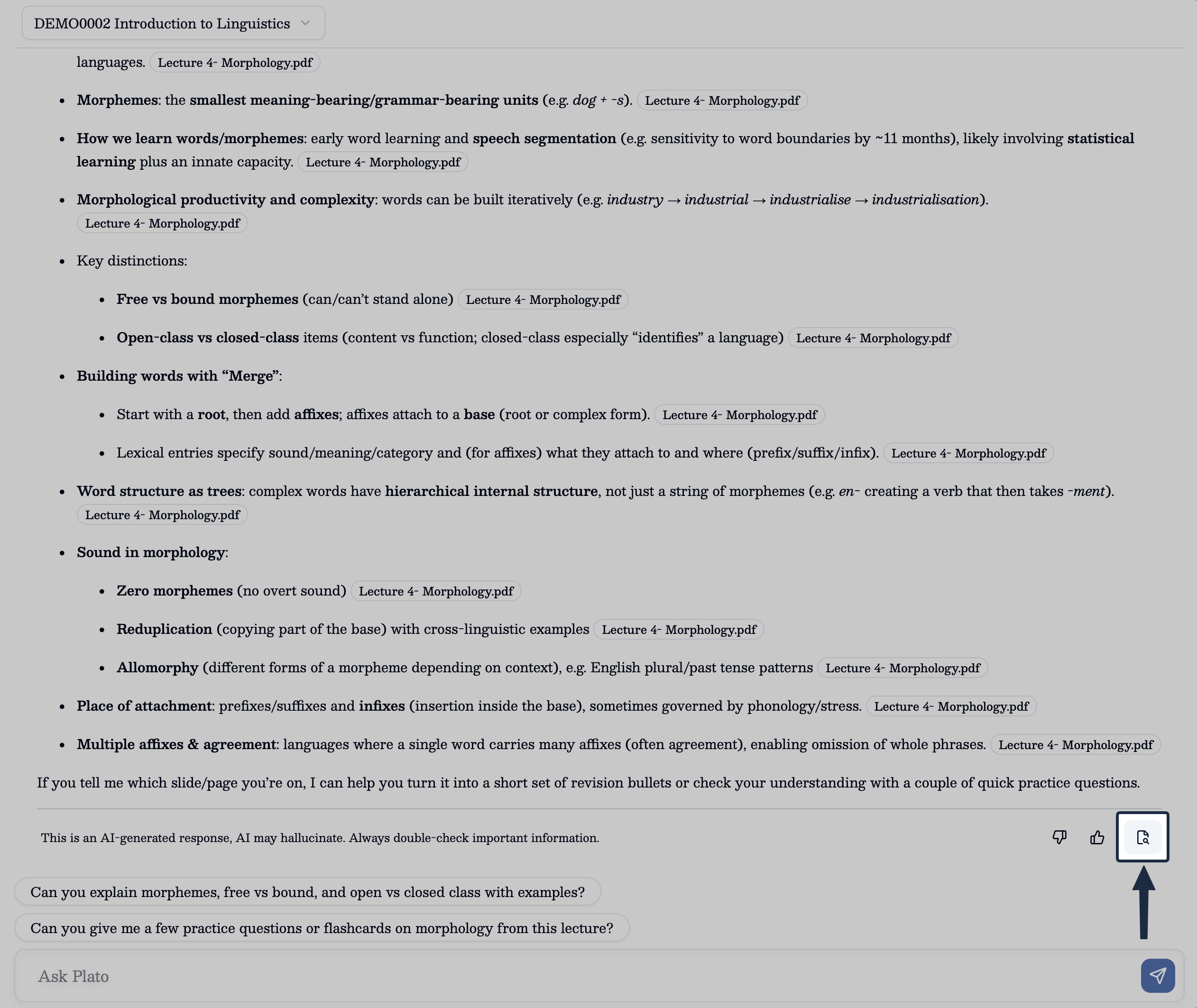
- a
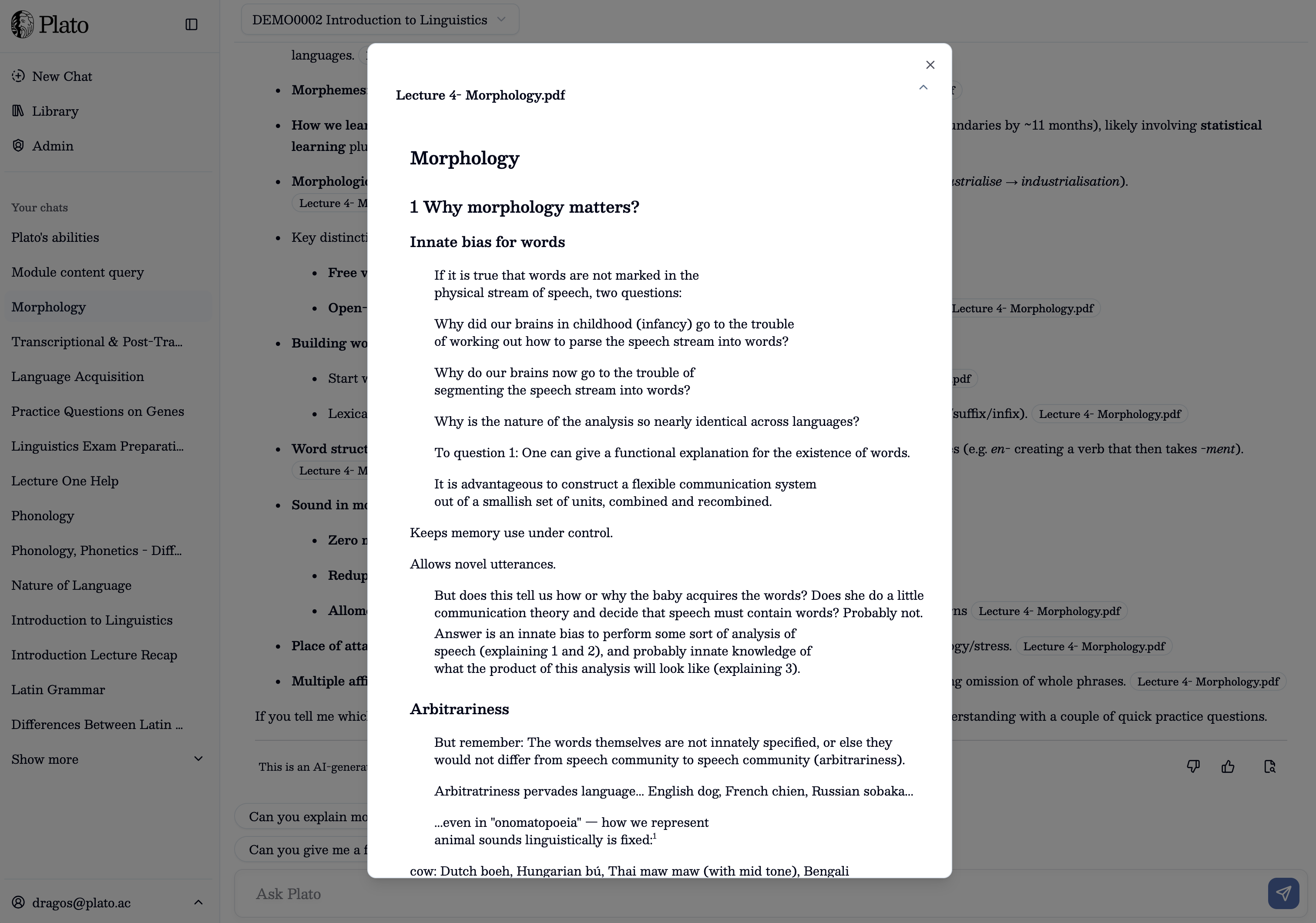
See Sourcesbutton on the response which opens a source preview modal so you can inspect the original material more closely
Using sources well
It is especially useful to check sources when a topic feels important for revision, when you want to verify a point before using it in your own work, or when you want to go back to the original lecture material.
You can also use sources to guide your next step by revisiting the original material, asking a more specific follow-up question, or continuing the topic with your lecturer or support team when you want broader academic discussion.