
Saving useful revision content makes it easier to come back to it later and build up a bank of material you can reuse across your module.
How to save materials
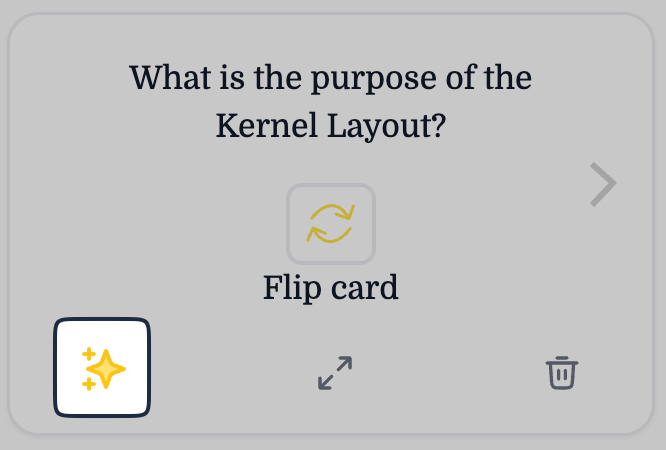
You can save flashcards or practice questions that you want to keep for future study. Once Plato generates revision material, you can open it and use the controls to move between cards or questions.
To save a flashcard or practice question for later, click the star icon. Saved materials are then stored for future review.
Where to find saved materials
Saved materials are available in two places:
- in the chat where they were created
- in your Library, under the relevant module
Saving materials helps you build up a revision set over time instead of starting from scratch each time you study.